Augment3d [Tab 38]
The Augment3d display defaults to control mode, allowing for visualization and navigation of your space, fixtures, and objects. Collectively, the Augment3d virtual environment is referred to as the model, which can be edited in Augment3d Edit Mode.
Augment3d can be opened in a standalone tab from the Workspace Layout Menu or by using [Tab] & [3][8].
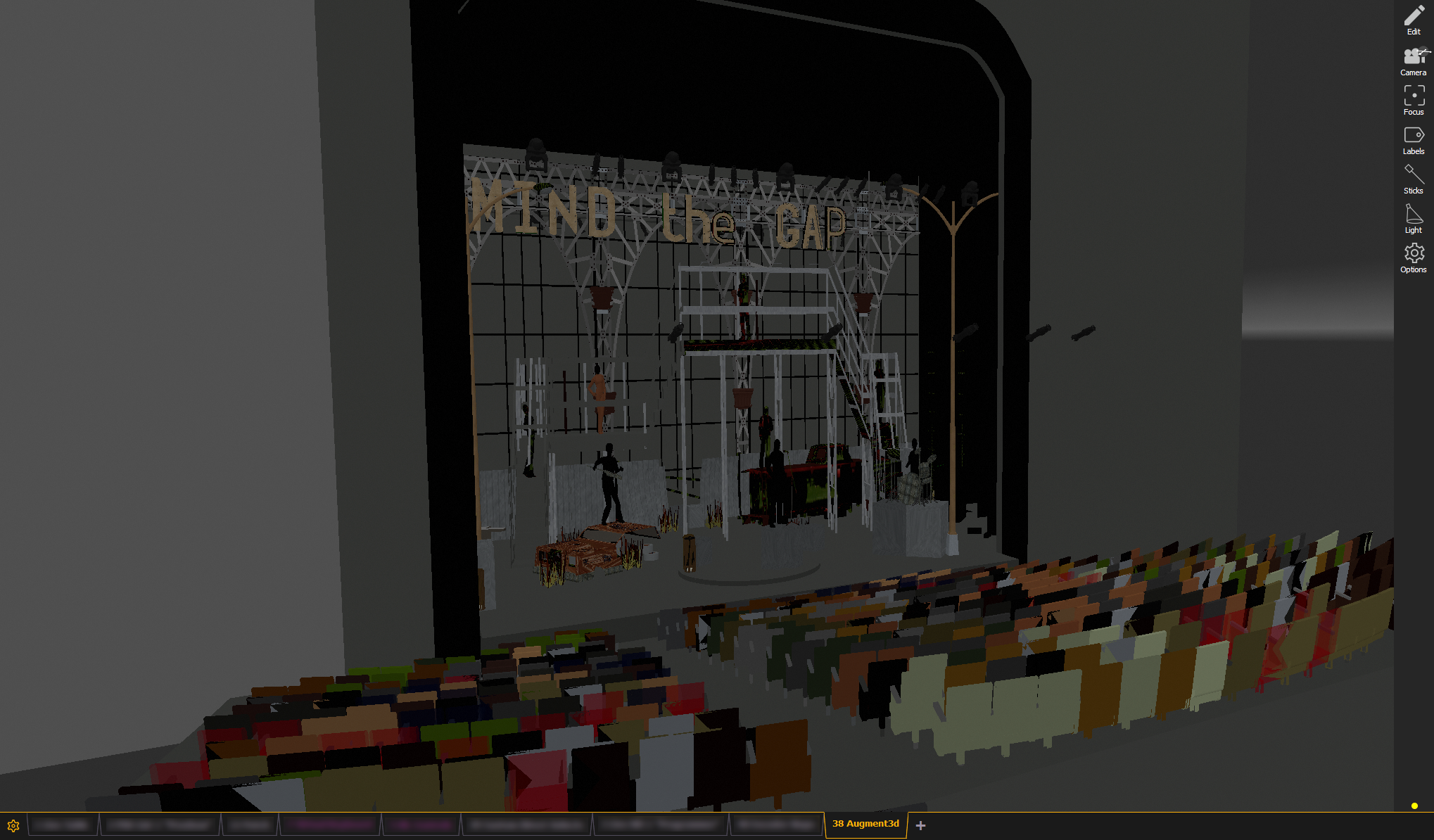
A Tether Command Line can be toggled on or off in control mode on a connected Augment3d Tether.
Toolbar
Limited toolbar options are available in control mode:
Augment3d Terms
The following are specific terms and definitions of various features unique to Augment3d.
- Click-To-Focus - clicking or touching a point in the Augment3d model to perform XYZ programming on that point.
- Control Mode - the default display mode of Augment3d. Allows for visualization and navigation of your model, fixtures, and objects.
- Edit Mode - an alternate Augment3d mode. Allows for editing and configuration of your model's scenery and objects.
- Find Me - using aRFR/iRFR to perform XYZ programming aimed at the mobile device.
- Focus Wand - using aRFR/iRFR to perform click-to-focus.
- FPE - Fixture Position Estimation. Estimates the physical locations of fixtures based on fixture profile information and user-provided focus palettes.
- Origin - a known location in your space, represented as the intersection of the XYZ axes (0,0,0), that acts as a reference point for the measurements of the rest of your Augment3d model.
- Pan / Tilt Kinematics - an aspect of a fixture profile that turns DMX values into a direction the beam is pointing.
- Model - the Augment3d virtual 3D space.
- XYZ Programming - telling the console to aim a fixture's beam through a particular point in virtual space.
- Zones - objects in the Augment3d model that can automatically trigger various fixture behaviors.